Real hours, nothing to retype
Staff clock in from the app. You get actual hours alongside planned ones, with the difference already worked out. The paper sheet stays in the drawer.
No card required · Setup in under 3 minutes
Where month-end arguments come from
Almost never bad faith. Almost always two records that do not match, and nobody who compared them earlier.
The sign-in sheet gets retyped
Every transcription is a chance to get it wrong, and it always lands at the worst moment, when payroll is already late.
Nobody knows the balance in advance
If only the scheduler sees the hours, the person discovers the gap when it is too late to discuss it calmly.
Closing half hours vanish
Ten minutes past the hour every evening, never logged, is over three hours across twenty trading days. Small, daily, invisible.
How it works in practice
- The team clocks in from the appStart and finish from the phone, on the day's shift. No badges to hand out and no fixed terminal to staff.
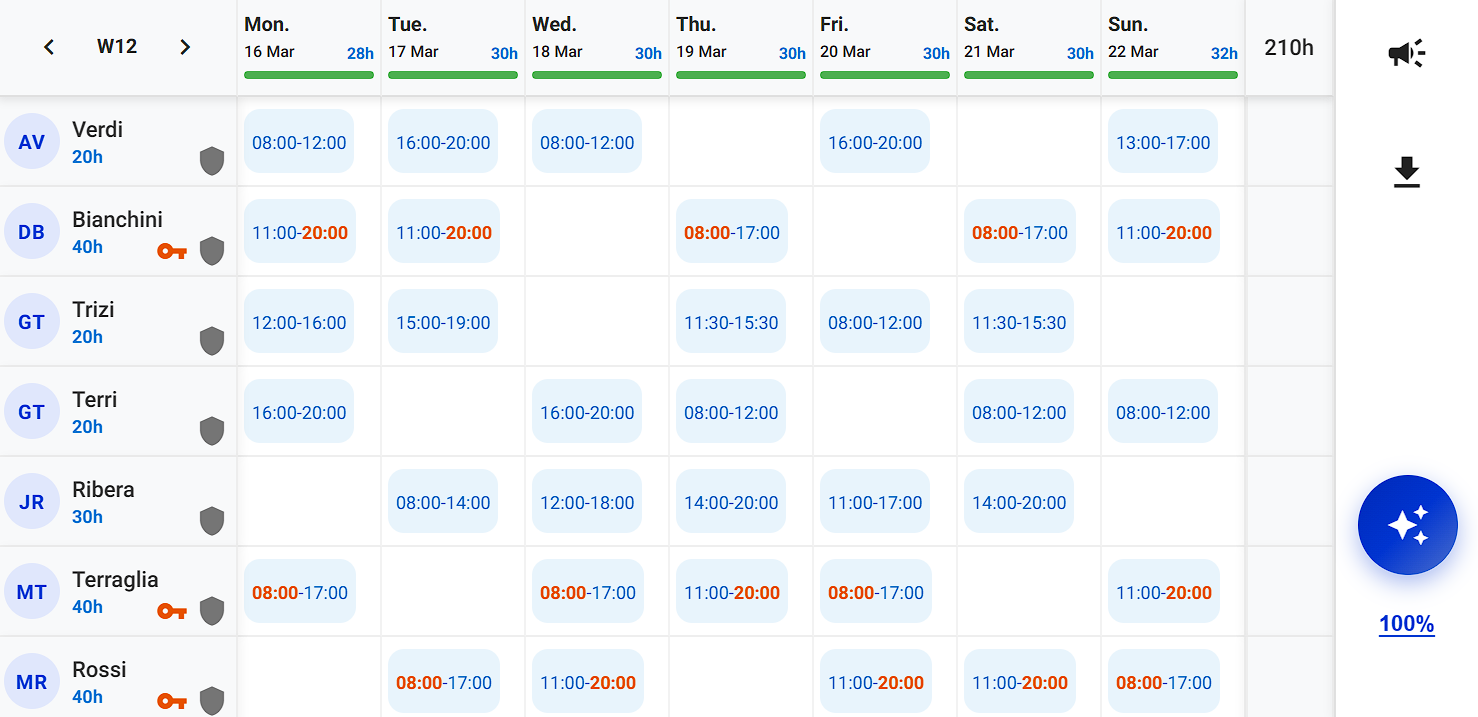
- You see the gap immediatelyPlanned hours and clocked hours sit side by side, with the difference already calculated per person and per week.
- Correct it when neededMissed or wrong clock events get fixed from the planning view, and the change stays on the record.
What actually changes
One single record
Shifts, clock events and the hours balance live in the same place: there is no plan file and record file to reconcile.
Transparency for staff
Everyone can see their own hours whenever they want. Disputes get resolved looking at the same screen together.
Month end without archaeology
Totals are ready when you need them, with the detail of how they were built.
Frequently asked questions
- Do I need badges or a terminal?
- No. Clocking happens in the app the team already uses to see their shifts, so there is no hardware to buy or maintain.
- Are breaks deducted?
- Unpaid breaks come off the daily total. Where your contract treats the break as working time, it stays in.
- Can I correct a wrong clock event?
- Yes, from the planning view. The correction stays tracked, so the record keeps the history of what was changed.